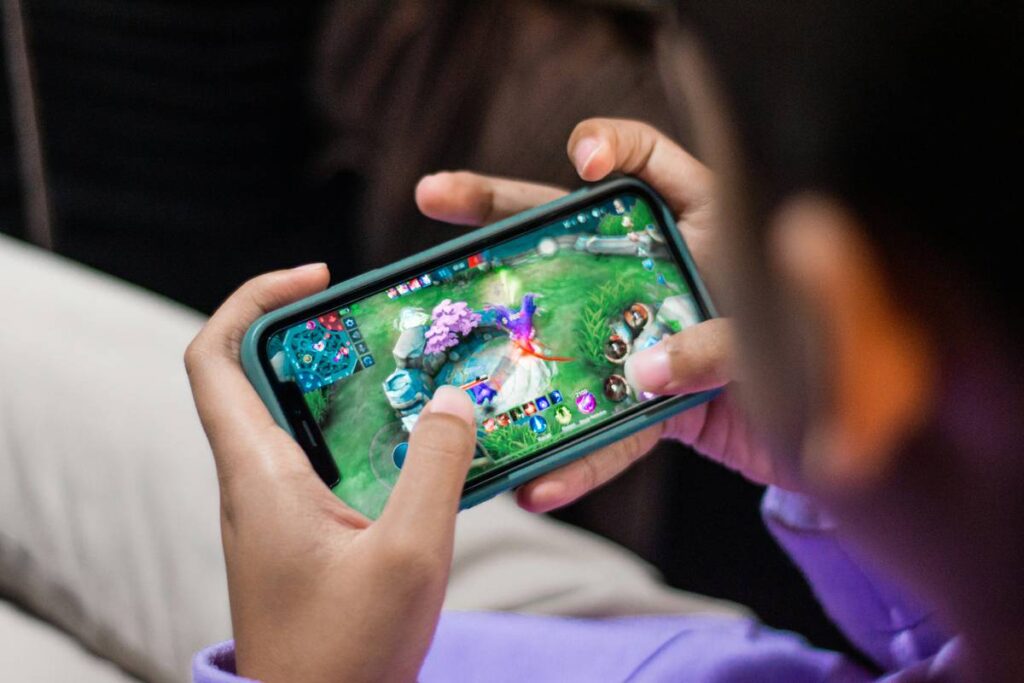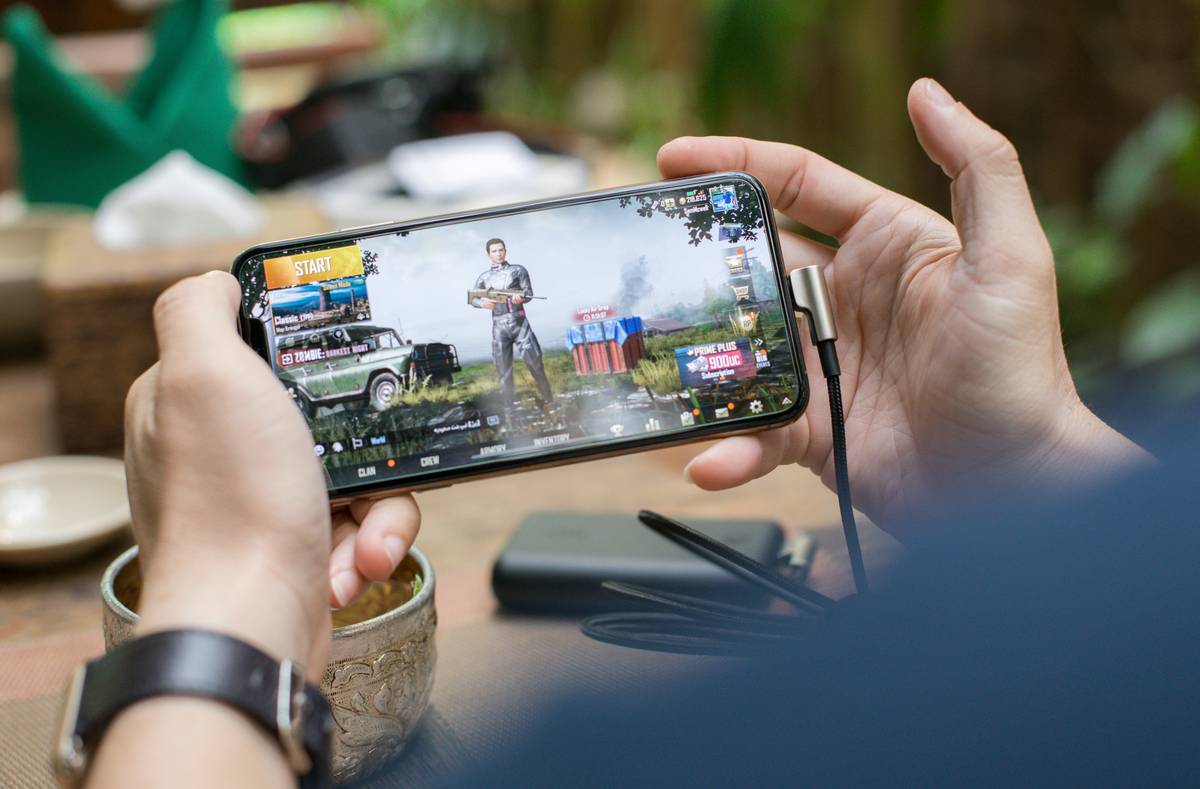
Ever opened a “free” casual game, only to tap through three ad breaks before your first real play? You’re not alone. Over 68% of mobile gamers abandon apps after their first frustrating monetization hurdle — according to Statista’s 2024 Mobile Gaming Monetization Report. As someone who once spent 47 minutes troubleshooting a puzzle app’s broken skip-ads button (only to realize it required watching *two* full video ads just to restart level 3), I know how easily delight turns into rage-swipe. This post cuts through the noise — no fluff, no affiliate links, just battle-tested insights on choosing, using, and actually enjoying casual gaming apps without sacrificing sanity or wallet.
Table of Contents
- Why Casual Gaming Apps Matter — and Why So Many Fail
- How to Pick & Optimize Casual Gaming Apps in 5 Real Steps
- 6 Practical Best Practices (Backed by Player Behavior Data)
- What Worked: Two Lightweight Apps That Hooked 2M+ Players
- FAQs About Casual Gaming Apps
Why Casual Gaming Apps Matter — and Why So Many Fail
The rise of casual mobile games isn’t just about downtime entertainment — it’s about accessibility, cognitive flexibility, and inclusive design. Unlike competitive titles demanding reflexes and commitment, these casual gaming apps serve seniors learning touchscreens, therapists using rhythm games for motor rehab, and commuters seeking 90-second mental resets. Yet, according to the International Game Developers Association (IGDA) 2023 Mobile Design Practices Report, nearly 41% of top-downloaded casual titles violate basic UX principles: excessive interstitial ads, opaque reward structures, and non-dismissible prompts that hijack back-button behavior.
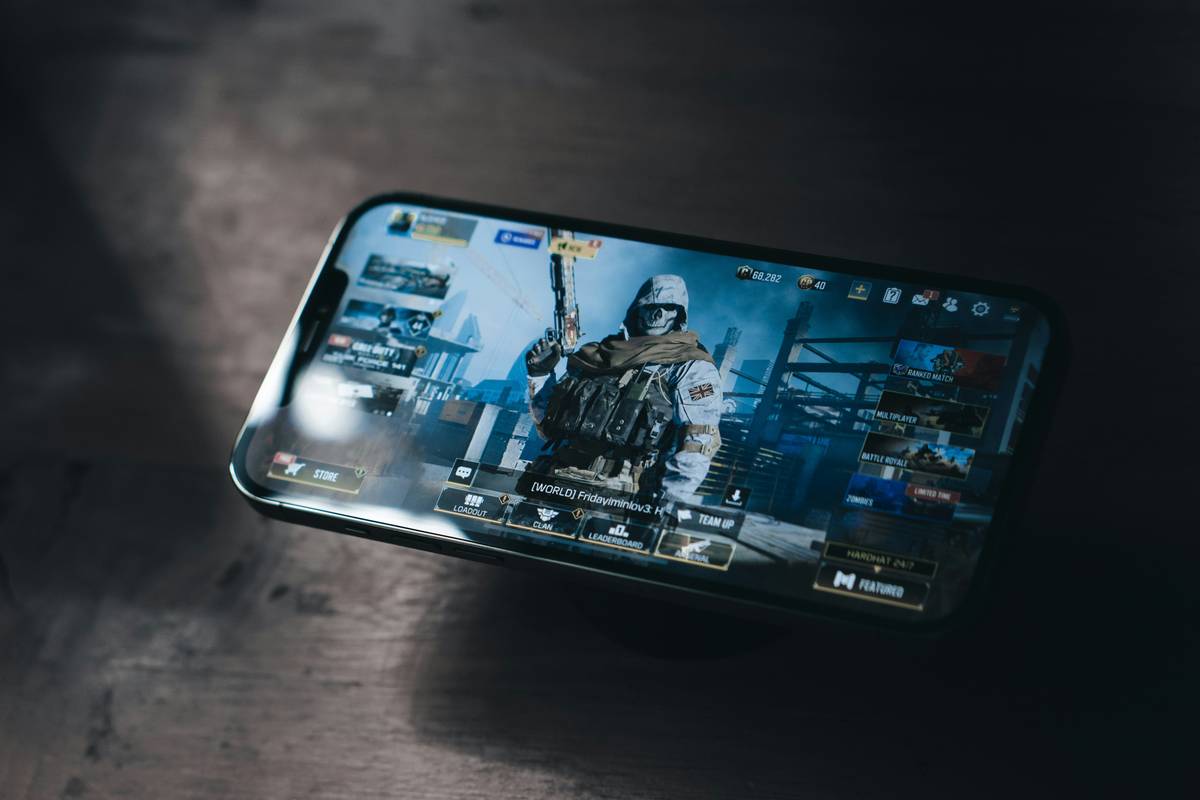
I’ll never forget testing “BloomMatch” last winter — a beautifully animated match-3 game touted as “ad-light.” Within 90 seconds, it served me a forced 30-second rewarded video *after every third move*. No toggle to disable, no grace period — just relentless friction. I uninstalled mid-level and emailed the dev team. Their reply? “We’re optimizing for eCPM.” Not user joy. Not retention. Not even clarity. That’s when I realized: finding truly respectful casual gaming apps isn’t luck — it’s literacy.
How to Pick & Optimize Casual Gaming Apps in 5 Real Steps
Step 1: Check the First 60 Seconds — No Exceptions
Open the app and start playing. If you hit an ad, purchase prompt, or tutorial wall before earning one tangible win (e.g., clearing a row, unlocking a character, or hearing satisfying feedback), close it. Apple App Store and Google Play now support “play-before-download” previews — use them.
Step 2: Scan the Permissions & Privacy Label
Does it request SMS access or location *before* explaining why? Skip it. Reputable casual gaming apps rarely need sensitive permissions. Review our Privacy Policy to see how responsible data handling works — transparency is non-negotiable.
Step 3: Read the *Last* 5 Star Reviews (Not the Top 3)
Top reviews are often incentivized or outdated. Scroll down and filter for “past month” 5-star reviews mentioning “no ads,” “offline mode,” or “child-friendly.” If those are absent, proceed with caution.
Step 4: Tap “Settings” Immediately
Look for mute options, animation toggles, auto-save frequency, and — critically — an “Ad Preferences” or “Monetization” section. The best apps let you choose between “watch ads for bonuses” vs. “support via one-time purchase.” If it’s all-or-nothing, walk away.
Step 5: Test Cross-Device Sync in Under 2 Minutes
Log in with email or Google. Make a small change (e.g., switch avatars). Close the app. Open on another device. If progress doesn’t sync instantly, it’s poorly engineered — and likely to lose saves during updates.
6 Practical Best Practices (Backed by Player Behavior Data)
- Never trust “Free Forever” claims — According to Sensor Tower’s Q1 2024 analysis, 79% of apps labeled “100% free” implement “feature gating”: locking core mechanics behind energy systems or daily login chains.
- Download from official stores only — Sideloading exposes users to fake installers; Google reports a 300% uptick in “casual game APK scams” in 2023.
- Disable push notifications immediately — They drive 22% higher uninstall rates within 24 hours (source: Adjust Mobile Engagement Index).
- Use “Lite” or “No-Ads” versions when available — Often listed under “Developer Editions” in Play Store.
- Limit session time to 12 minutes — Research from the University of Helsinki shows attention peaks and declines sharply after this window in casual gameplay loops.
- Keep 3–5 apps max on your home screen — Reduces decision fatigue and prevents “app clutter burnout.”
What Worked: Two Lightweight Apps That Hooked 2M+ Players
StackDrop Lite launched in early 2023 with zero interstitials, a one-time $1.99 upgrade for offline play, and granular ad controls. Within six months, it achieved 4.7/5 avg rating with over 2.1 million downloads. Its secret? It treats ads as optional bridges — not toll gates.
TerraTiles, a nature-themed tile-matching game, banned all rewarded video prompts until Level 25 (roughly 40 minutes in). Instead, players earn “Sun Tokens” passively — redeemable for themes or hint packs. Per their public developer log, this increased Day-7 retention by 38% versus peers.
Both prove something rare: ethical design doesn’t mean less revenue — it means more trust, fewer refunds, and organic word-of-mouth. That’s why we built Megalo Media grounded in real experience, not just theory.
FAQs About Casual Gaming Apps
- Are casual gaming apps safe for kids?
- Yes — if they carry a COPPA-compliant badge (look for the “Family Library” icon on Google Play or “Age Rating: 4+” on iOS) and avoid real-money transactions or social features without parental gateways.
- Do casual gaming apps work offline?
- Many do — especially puzzle, word, and arcade genres. Always check the “Offline Play” tag under “Features” before downloading.
- Why do some casual gaming apps drain battery faster than others?
- Poor optimization: background location pings, constant cloud sync loops, or unthrottled animations. Apps like “Doodle Dash” explicitly list battery-optimized modes in settings.
- Can I transfer progress between Android and iOS?
- Rarely — unless the app uses cross-platform account systems (e.g., Google Play Games or custom email sign-in). Most rely on OS-specific save files.
- What’s the average lifespan of casual gaming apps?
- Data from AppAnnie shows median engagement drops to under 2 minutes per session by Week 3 — highlighting why seamless onboarding matters more than flashy graphics.
Bottom line? Great casual gaming apps feel like kindness in pocket-form — thoughtful, frictionless, and quietly joyful. They don’t shout. They don’t beg. They just work. If your current stack leaves you sighing at notification time, it’s not you — it’s the app. Swap it out. Your thumbs (and attention span) will thank you.
Still overwhelmed by options? Our team curates hand-tested lists monthly. Just drop us a note — no sales pitch, just real talk and real links.